
Year end and your accountant
Everything here is read from what you already booked: no rule of the books changes and Verkly computes no tax. It gathers the year the way a hobby reseller's return asks for it, and leaves the tax to you and your adviser.
Turnover thresholds
Settings → Money and rules → Turnover thresholds takes limits you set yourself: This year's turnover limit, Last year's turnover limit, and for each sales platform Platform: sales a year and Platform: amount a year (0 switches a bar off). While any limit is on, Summary shows Thresholds: this year's and last year's turnover as bars (amber from 80 %, red at 100 %) and each platform with its sales and amount this year. Turnover is what devices and tools sold for plus what clients paid, by calendar year, before fees and shipping. Verkly says nothing about the law: which limits apply to you is your own question.
The year summary
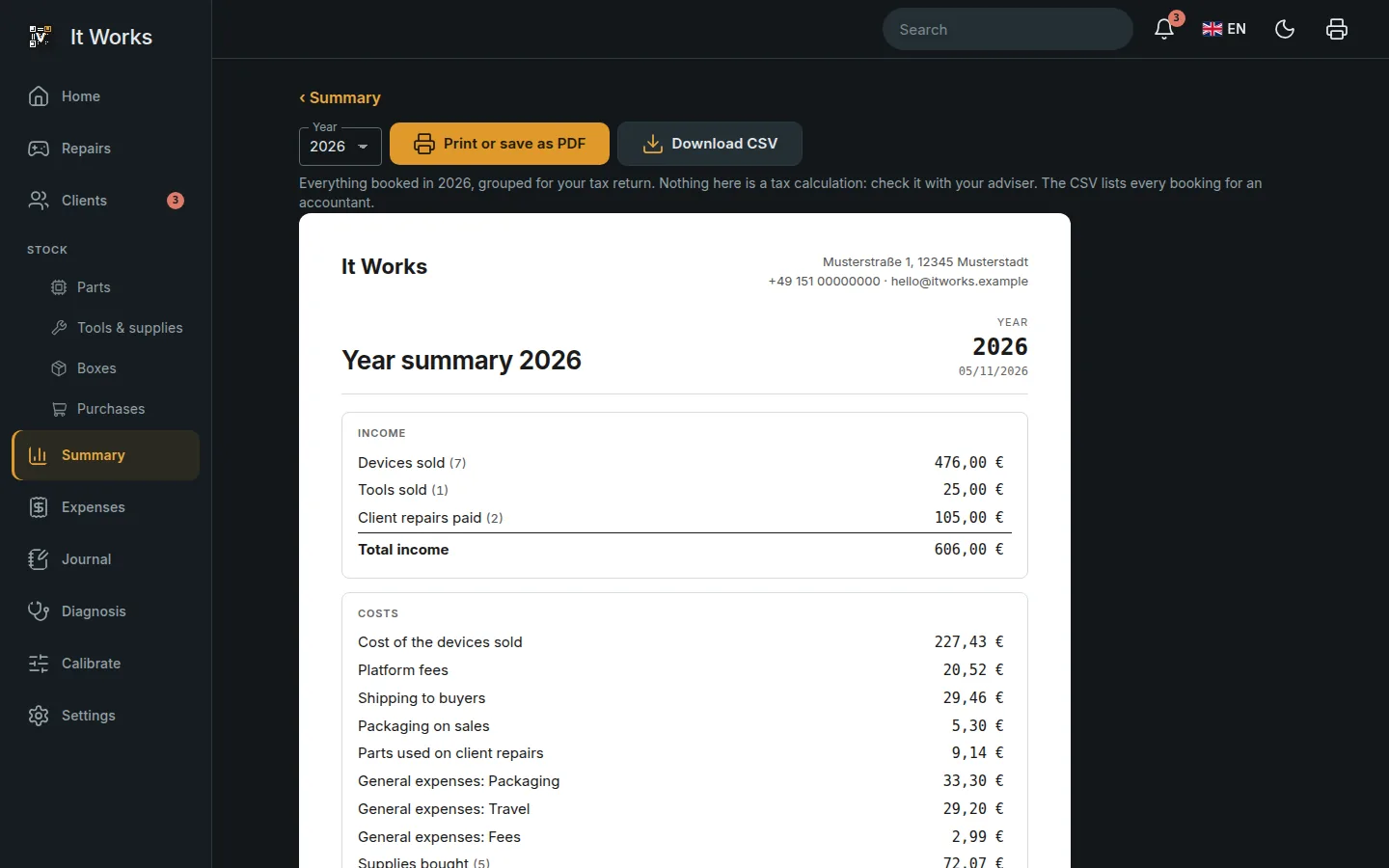
Summary → Year summary opens the year on one A4 paper, to print or save as PDF (Print or save as PDF), with a year select and Download CSV:
- Income: devices sold, tools sold, client repairs paid (on the day they were paid).
- Costs: the cost of the devices sold (a donor's what was left of it), platform fees, shipping to buyers, packaging on sales, parts used on client repairs, general expenses by category with the trips, supplies bought, donors written off.
- Income minus costs, marked "Not a tax figure".
- Trips, Tools bought (an investment, listed apart) and the stock on 31/12 (or today for the running year) for information: your unsold devices and the parts left, at what they cost.
- Every sale and expense one by one, and notes that reconcile the paper with Summary's months: the flat overhead is an allocation inside Verkly and is left out of the paper.
The CSV holds every booking of the year (date, kind, code, title, category, amount) in your number format. Owners only.
Self-made receipt
Bought a console from a private person without an invoice? Self-made receipt (Eigenbeleg) makes the paper for it: the day, the seller and where you found them, your workshop as the buyer, what was bought (a purchase's lines at their share, or the device with its shipping), the amount paid, why there is no invoice, place, date and a signature line. It is a link on the head of a purchase card, and a button under the Cost basis of your own device bought without a purchase. Its words are on the Self-made receipt tab of the paper texts (Workshop and documents). No seller noted? Write their name and address on the paper by hand, or add the seller on the card first.
Trips by the km
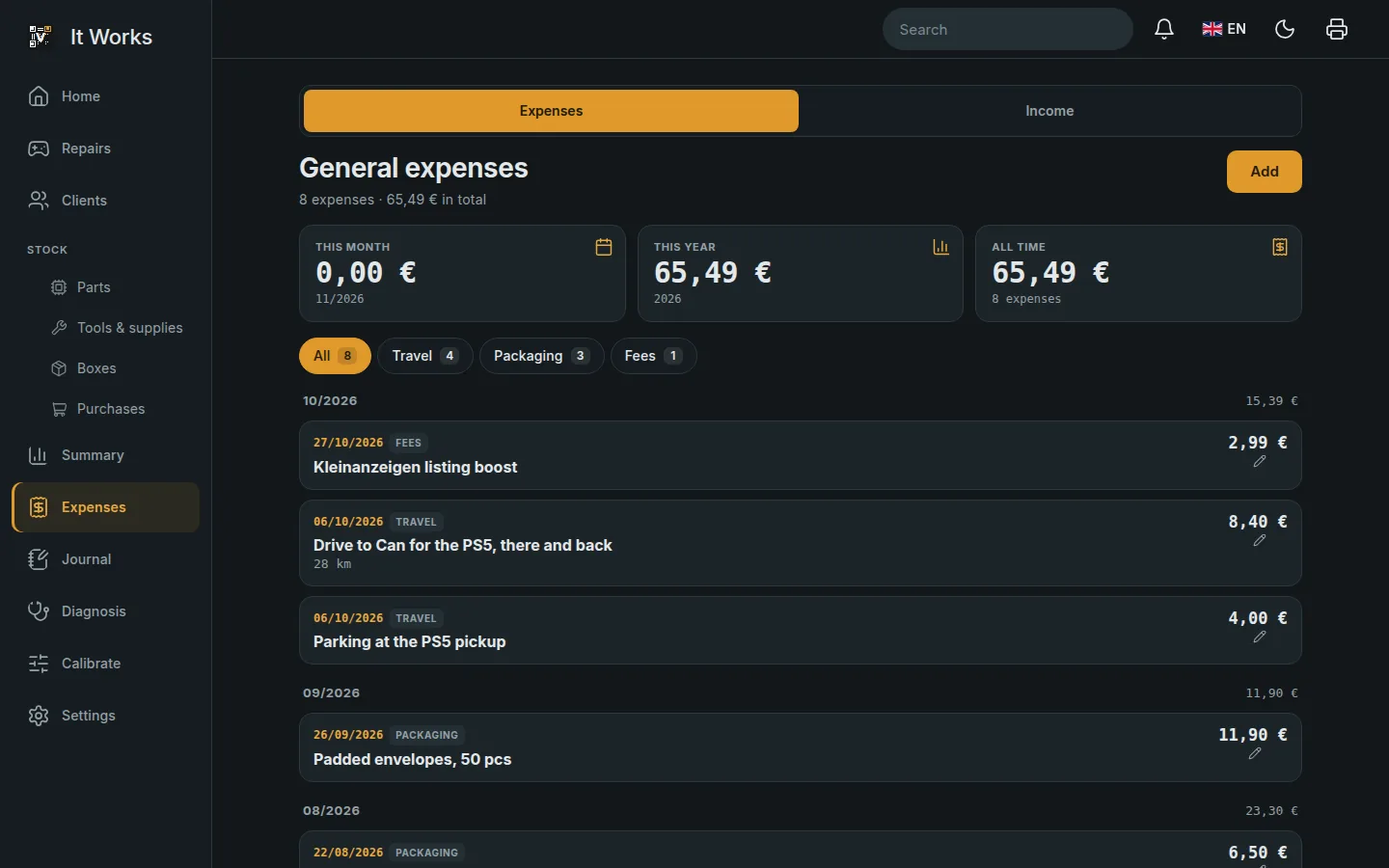
An expense can be a trip: on General expenses type the km in Trip (km) and the amount follows from your rate (Settings → Money and rules → Trips, 0.30 a km to begin with). The rate is kept with each trip, so changing it later leaves saved trips alone; a blank km makes it a plain expense again. A trip without a category is Travel. The expenses CSV carries the km.
For the accountant (experimental)
At the foot of the Year paper, For the accountant gives two files of every booking of the year, one line each, with an account and a counter-account:
- DATEV (Buchungsstapel): the EXTF format DATEV and most German tax advisers import. It needs your Consultant number (Beraternummer) and Client number (Mandantennummer).
- Bookings CSV (Lexware and others): date, amount, account, counter-account, text and reference, for any other tool.
The accounts are set on Settings → Money and rules → Accounting export (experimental): the two numbers, the Chart of accounts (SKR03 or SKR04), the Account length, the account and counter-account per kind of booking, and an account per expense category. They start as the usual ones of the chart (the bank as counter-account; a § 19 small business gets the small-business revenue account unless the invoice tax is set to VAT); blank uses the account shown in grey, and Back to the usual accounts resets them. It asks first, and so does changing the chart.
Tax on the invoice (experimental)
Off unless you switch it on: Settings → Workshop & documents → Tax on the invoice (experimental).
- Small business: no VAT, with a note: the invoice carries the § 19 UStG note.
- VAT on the invoice: with a VAT rate (19 % to begin with) and whether the repair price is VAT included (gross) or Without VAT (net): VAT is added. The invoice then shows the work at net, Net, VAT and the total, worked out to the cent.
- Your VAT ID or Tax number, IBAN and BIC (optional, printed as payment details) and the Country.
Only the invoice paper and the e-invoice file change: margins, Summary, sales and payments read the repair price as before, and the tax is booked nowhere. With tax off the invoice is exactly as it was.
The e-invoice (XRechnung)
With tax on, the invoice page of a client's repair has E-invoice (XML, experimental): an XRechnung 3.0 file (UN/CEFACT CII) to send along, and E-invoice (PDF, experimental): a ZUGFeRD PDF/A-3 that shows the invoice like the paper and carries the same XRechnung file inside, for a client who wants a PDF. Both pass the official KoSIT validator: without a VAT ID the tax number names the workshop, and the delivery day is the invoice day. XRechnung requires more than the paper, so Verkly says in one message what is missing: your workshop's name, an address with postcode and town, phone, email, the VAT ID or tax number, and the client's name, address and email. The invoice number is the device code. Owners only. Still experimental: check both files with your tax adviser before you rely on them.